
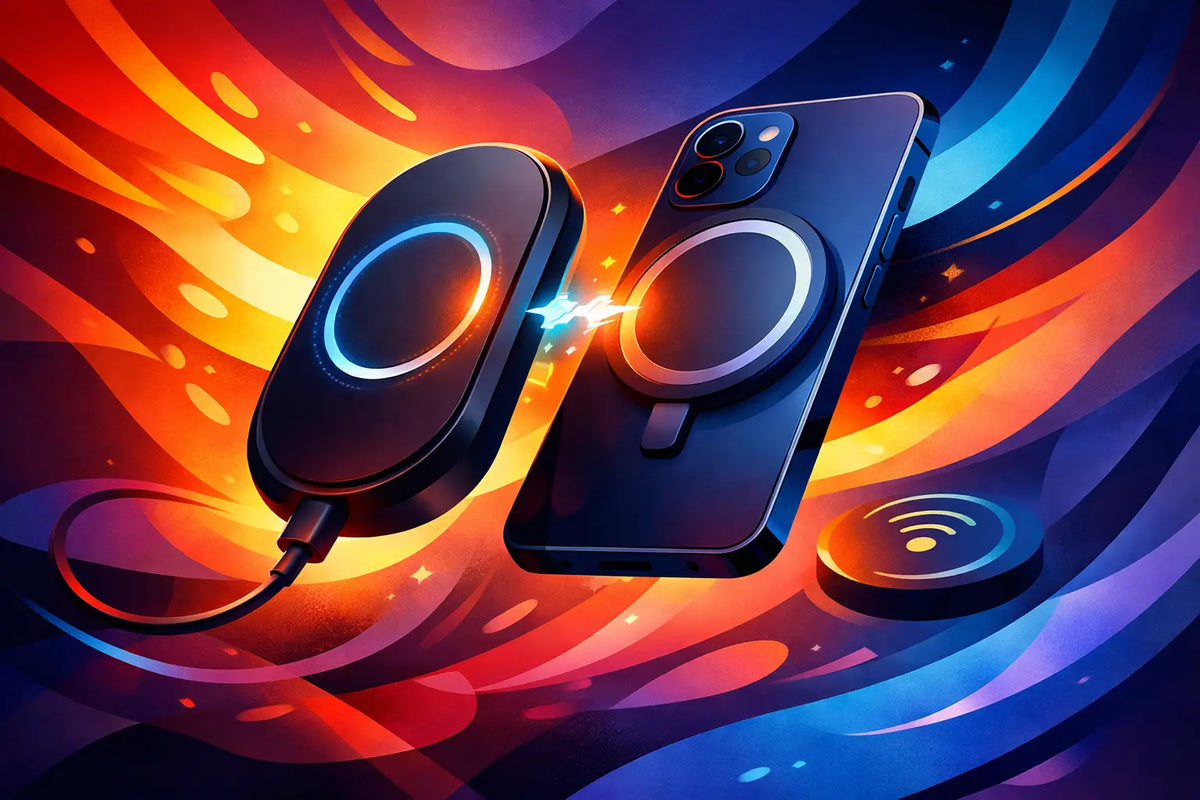
Your phone hits 10% just as the group chat starts making plans, your maps are open, and the outlet at the coffee shop is already claimed. That is exactly when a magnetic battery pack earns its place in your bag. Knowing how to choose a MagSafe power bank means looking past a cute finish or a big mAh number and finding one that actually works with your phone, case, routine, and personal style.
A great MagSafe power bank should feel like part of your setup, not another bulky gadget you tolerate. It needs a secure magnetic hold, enough real-world power for your day, sensible charging speeds, and a profile that does not turn your iPhone into a brick. Here is what to look for before you commit.
How to Choose a MagSafe Power Bank for Your Routine
Start with the moment you need extra battery. If you mostly need a rescue charge after work, a slim 5,000mAh pack is often the sweet spot. It is lighter, easier to carry, and far more likely to stay attached to your phone while you text, scroll, or take photos. For long campus days, travel, festivals, or heavy camera use, a 10,000mAh option gives you more breathing room, though it adds noticeable size and weight.
Do not expect the number printed on the box to translate directly into the same amount of battery on your iPhone. Wireless charging loses energy as heat, and some power is used to manage the connection. A 5,000mAh power bank can usually provide a meaningful partial recharge or close to a full boost on a smaller iPhone, depending on the model and conditions. A 10,000mAh pack offers more total backup, but the real payoff is usually multiple top-ups rather than a perfectly doubled phone battery.
Think about how you carry your phone, too. If it lives in your hand, jacket pocket, or small crossbody bag, a compact pack wins. If you are usually commuting with a tote or backpack, extra capacity may matter more than a few additional ounces. The best choice is the one you will bring with you instead of leaving on your nightstand.
Choose Capacity Without Chasing the Biggest Number
Capacity is useful, but it is not the whole story. A huge power bank may sound like the obvious upgrade until it covers the camera bump, pulls at a thin case, or makes one-handed use awkward. For most everyday users, 5,000mAh is the easy, stylish answer. It handles the late-day panic without overwhelming your phone.
Move up to 10,000mAh if your days regularly include navigation, video, gaming, hotspot use, or long stretches away from an outlet. It is also the smarter choice when you are sharing a charger with a friend. Just check the dimensions, not only the capacity. Two packs with the same mAh rating can feel completely different in your hand.
Check the Magnetic Connection and Your Case
The magnet is the main event. A weak magnetic connection can shift out of alignment, charge inconsistently, and slide off at the worst possible time. Look for a power bank designed for MagSafe-compatible iPhones and a case with a properly aligned magnetic ring. The power bank attaches to the case, not directly to your phone, so your case matters more than many shoppers realize.
iPhones from the iPhone 12 series onward have MagSafe magnets built in. But a thick case, a non-magnetic case, a wallet attachment, or an off-center magnetic ring can weaken the hold. If you use a case every day, choose one clearly labeled MagSafe compatible and avoid stacking accessories between the phone and battery pack.
A strong connection is especially valuable when you are using your phone while charging. You should be able to pick it up, answer a message, and move around without constantly checking whether the pack is still aligned. A little warmth is normal with wireless charging. Excessive heat, repeated disconnections, or a pack that slides around are signs that the fit is not right.
Case Thickness Can Change the Experience
Slim MagSafe cases typically give the most confident hold. Protective cases can work beautifully too, as long as their magnetic ring is built into the design rather than added as an afterthought. If your case has textured material, raised details, or an extra-thick back, check that the power bank can sit flat against it.
This is where design and function should work together. A bold case and a mismatched, generic battery pack can make your setup feel accidental. A coordinated magnetic power bank lets your phone stay protected and look put together, even when you are charging on the go.
Compare Charging Speed, Wired Charging, and Input
A MagSafe-style magnetic connection does not automatically mean every power bank charges at the same speed. Wireless output varies by model, iPhone, and charging standard. Some packs are rated for faster wireless charging where supported, while others prioritize a slim shape and deliver a slower, steady top-up.
For casual use, slower wireless charging is not necessarily a dealbreaker. Magnetic power banks are perfect for keeping your battery from dropping while you are out, rather than racing from 2% to 80% in a few minutes. If you frequently need a fast emergency recharge, choose a model with a USB-C port that supports wired charging as well. Plugging in is usually more efficient and faster than charging wirelessly.
Also look at how the power bank itself recharges. USB-C is the practical standard for a modern setup because it works with the same cable many people use for an iPhone, iPad, or other accessories. A pack with USB-C input and output is more flexible: you can recharge the pack, charge another device by cable, or switch to wired power for your phone when speed matters.
If the product lists watts, read both input and output details. High input wattage means the power bank can refill faster. High wired output means it can deliver more power to your phone or another device. These are different things, and both affect whether the pack keeps up with your lifestyle.
Look for the Details That Make It Easy to Live With
The best power bank is not just a battery cell with magnets. Small design choices make a real difference after a few weeks of use. An LED indicator helps you see remaining power before leaving home. A grippy finish makes the pack feel secure. Rounded edges keep it comfortable in your hand, while a carefully placed port prevents cable clutter.
Safety protections matter too. Choose a reputable accessory that includes safeguards for overheating, overcharging, short circuits, and foreign objects. Your iPhone is expensive, and a power bank should be built to protect both the battery pack and the phone attached to it.
Pass-through charging can be convenient, allowing the power bank to recharge while it is connected to another device. Still, it can create more heat and is not something you need to use every night. For better long-term battery care, charge the power bank separately when you can and avoid leaving any battery accessory baking in direct sun or a hot car.
Pick a Design You Will Actually Carry
A power bank can be practical and still have personality. Since it sits on the back of your phone in public, it is part of your look. Color, finish, shape, and print all count, especially if your accessories are how you show a little more of yourself.
This does not mean choosing style over performance. It means refusing the false choice between the two. CASETEROID's approach to accessories is built around that balance: protective, MagSafe-ready pieces with enough visual energy to make your phone feel less factory-default.
Consider whether you want your power bank to blend in with your case, create contrast, or stand out on its own. A minimal neutral finish works with everything. A bright color or graphic design makes the battery pack easier to spot in a crowded bag and adds a deliberate finishing touch to your phone setup.
Before you buy, picture a normal Tuesday: phone in hand, case on, no outlet nearby, and no patience for a charger that slips, overheats, or looks out of place. Choose the MagSafe power bank that makes that moment easier - and one you will be happy to snap on every time.
Slim iPhone Case With Strong MagSafe That Works
Will a Phone Case Fit a Screen Protector? Check First