
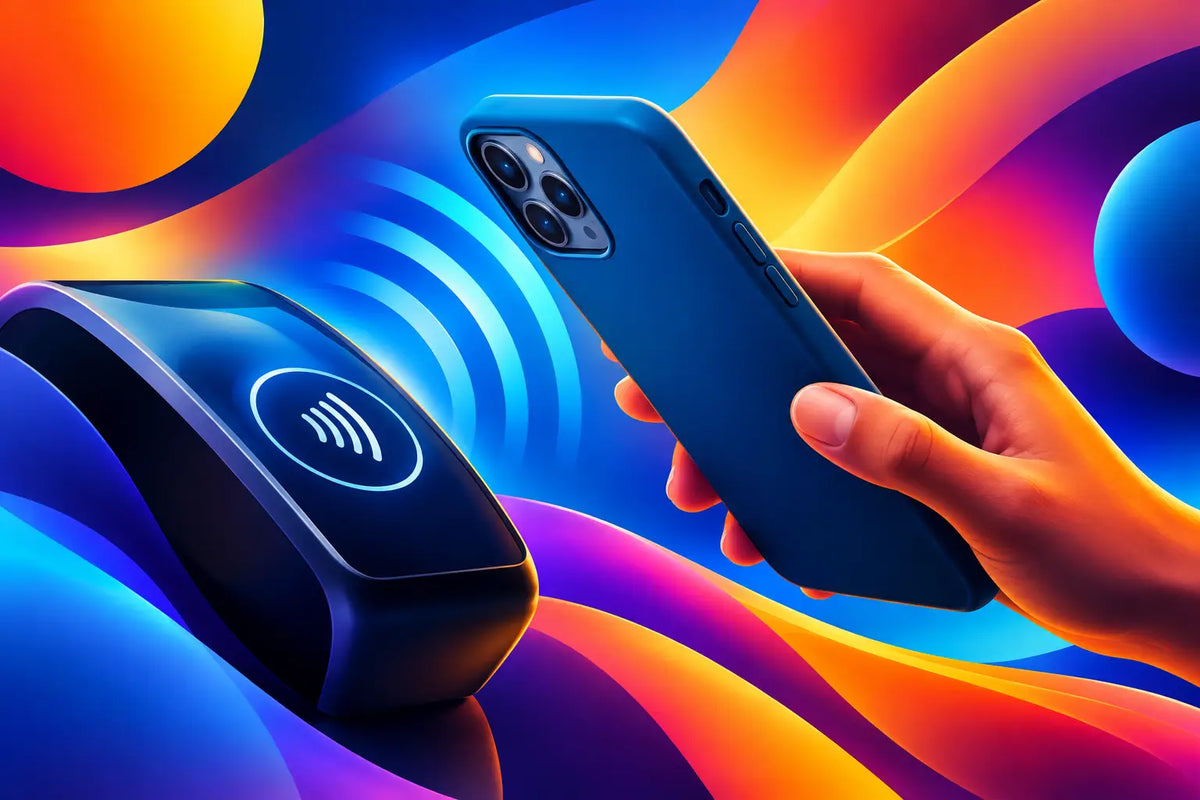
Your phone is ready to pay, share a contact, or pair an accessory with one quick tap - then nothing happens. Before blaming the terminal, it is fair to ask: do cases block NFC? Most everyday phone cases do not. But the wrong combination of thickness, metal, magnets, cards, and placement can make NFC feel unreliable.
NFC, short for Near Field Communication, works over a very short distance. That is what makes it useful for tap-to-pay and quick device pairing, but it also means a few extra millimeters or a poorly placed accessory can matter. A case should protect your phone and still let its smart features work without turning a checkout line into a tech support moment.
Do Cases Block NFC?
A standard plastic, silicone, TPU, or polycarbonate phone case will usually not block NFC. These materials are not conductive, and they do not create a significant barrier between your phone's NFC antenna and a payment reader or NFC tag.
The story changes when a case includes conductive materials or adds too much bulk. Metal can disrupt the radio field NFC relies on. Thick layered construction can reduce the already short reading range. A wallet section filled with cards creates more distance and can introduce materials that interfere. This does not mean every metal detail or wallet case will fail every time. It means your phone may need more precise positioning, a longer hold, or no case at all in difficult situations.
NFC behavior also depends on the phone. Antenna locations vary by iPhone, Samsung Galaxy, and Galaxy Z Flip model. A case that works perfectly on one device may be less consistent on another, especially if the design has a metal plate or card pocket placed directly over the antenna area.
The Materials That Can Get in the Way
Not every bold detail is an NFC problem. The key question is whether the material is conductive, how close it sits to the antenna, and how much space it adds between your phone and the reader.
Metal is the biggest watch-out
Aluminum, steel, magnetic mounting plates, and metal kickstand components can interfere with NFC when they cover or sit close to the antenna. A tiny metal logo near the bottom of a case is less concerning than a large metal backplate across the center or upper portion of the phone.
This is why cases built for magnetic car mounts deserve a closer look. Many use a metal plate that is meant to connect to a mount. Convenient in the car, maybe. Great for dependable tap-to-pay, not always. If NFC is a daily habit for you, choose a mounting setup designed not to place a metal plate over your phone's antenna.
Thick wallet cases create distance
NFC does not need physical contact, but it is a close-range technology. A slim protective case is usually no issue. A folio wallet case packed with two payment cards, an ID, a transit pass, receipts, and a little extra bulk can push the phone too far from the reader.
There is another complication: NFC cards in the wallet portion may be detected instead of the phone, or they may confuse the interaction. Keep your payment cards separate when using phone-based tap-to-pay. It is cleaner, faster, and safer than hoping the terminal picks the one you intended.
Magnets require more context
Magnets do not automatically block NFC. MagSafe-compatible cases are designed around a magnet array that supports magnetic charging and accessories. In many cases, NFC can continue working normally because the phone's antenna and the magnetic components are arranged with modern phone hardware in mind.
Still, not every magnetic case is engineered the same way. An added magnetic ring, a thick magnetic wallet, or an off-center accessory can affect how close you can get your phone to a reader. The trade-off is simple: magnetic convenience is excellent, but an accessory-heavy setup needs smarter placement than a clean, slim case.
Cheap decorative layers can be unpredictable
Foil effects, metallic coatings, mirrored panels, and unknown multi-layer materials can vary a lot. A visual finish does not always mean solid metal, so it may cause no issue at all. But if a case is unusually thick or covered by a conductive layer, testing NFC early is better than finding out during a rushed purchase.
MagSafe and NFC Can Coexist
MagSafe and NFC do different jobs. MagSafe uses magnets to align chargers and accessories. NFC uses a short-range radio signal to exchange small pieces of information, such as payment authorization or a digital business card. Having one feature does not cancel out the other.
For style-first phone users, that matters. You should not have to choose between a case that matches your outfit and a phone that can still pay for coffee. A quality MagSafe-compatible case is built to preserve practical features while giving you room for a magnetic power bank, ring holder, or wallet when you want one.
The accessory is often the variable. A bare MagSafe case may tap just fine, while the same phone with a thick wallet attached may need to be held closer or positioned more carefully. If your NFC is inconsistent, remove any attached wallet, battery pack, or ring holder before assuming the case itself is the problem.
How to Test a Case Before You Rely on It
The fastest test is a real-world one. With the case on, try your preferred mobile wallet at a payment terminal or scan a known NFC tag. Hold the top or back of the phone near the reader, depending on your model, and pause for a second. Avoid waving it around quickly. NFC is fast, but it still needs correct placement.
If the tap fails, do not immediately toss the case. Work through a few practical checks:
- Remove any magnetic wallet, battery pack, grip, or metal-mounted accessory from the case.
- Take out physical cards stored in or attached to the case.
- Restart the phone and confirm NFC or your mobile wallet is enabled and updated.
- Test again without the case, then test a different reader or NFC tag if possible.
Choosing a Case That Keeps Your Phone Fully Useful
The best phone case is not just the one that survives a drop. It is the one you barely have to think about when you are charging, tapping, taking photos, or heading out the door. For NFC-friendly protection, look for a slim-to-medium profile, nonmetallic main materials, and a design that avoids large conductive plates around the antenna area.
If you want magnetic accessories, choose a case made specifically for your phone model and magnetic ecosystem rather than adding a random adhesive ring or mount plate. Fit matters. A case cut for the exact camera layout, button placement, and charging system of your device is more likely to keep everyday features behaving as expected.
Style is not a reason to settle for questionable function. CASETEROID cases are made for the people who want their phone to look like part of the fit while still handling the daily essentials - protection, magnetic compatibility, and the quick tap that gets you moving.
When Removing the Case Makes Sense
There are a few situations where taking the case off is reasonable. If you use a thick wallet case with multiple cards, travel with an older phone that has weaker NFC performance, or need to pair a finicky NFC device, removing the case can eliminate variables fast.
That said, you should not need to remove a normal protective case every time you pay. If you do, the case design, an added accessory, or the device setup deserves a second look. Protection should feel dependable, not like a compromise you have to manage all day.
Your phone case can be expressive, protective, and ready for tap-to-pay at the same time. Keep metal plates and overloaded card pockets out of the equation, choose accessories with intention, and give your next tap the clean path it needs.
Foldable Phone Protection Guide for Daily Use
Phone Accessory Trends Worth Wearing in 2026